Arcweave’s REST API: read and write project data from your own tools

What Two-Way API Access Means, What You Can Build With It, and How Permissions Work
Your Arcweave project is where the interactive story takes shape. But it is rarely the only tool involved.
Source material sits in an internal content system. Artists manage files somewhere else. Developers need project data in a game engine or build pipeline. Producers want comments and project information in their own dashboards.
Without a connection between those tools, somebody moves the information by hand. That is where an API comes in.
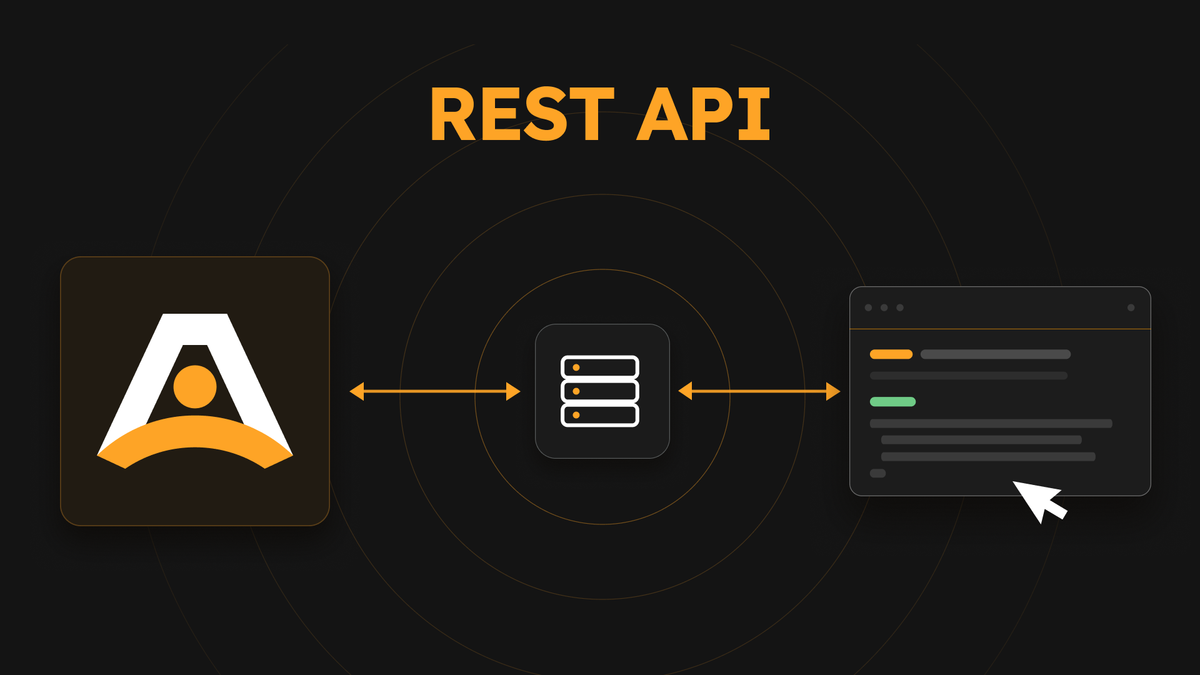
Arcweave's public REST API now writes project data as well as reading it. Your own tools can pull information out and send changes back, so nobody has to copy assets, variables, and content between tools by hand.
The REST API is a Team workspace feature. If you are on Basic or Pro and want to try it, get in touch and we will set you up with a Team trial.
Key Takeaways
- Two-way integration: The REST API now writes as well as reads, so your own tools can change project content, not just retrieve it.
- Granular security: Each API key carries Read projects, Write projects, or both, and never has more access than the person who created it.
- Availability: Available on Team workspaces, with the full reference in the documentation.
First things first: what is a REST API?
An API is a structured way for two pieces of software to talk to each other.
You work with Arcweave by clicking boards, editing elements, uploading assets, changing variables, and leaving comments. The REST API lets another tool do those things directly, without the clicking. Each endpoint handles one task, so you only need the one for the thing you want to do next.
What makes the API two-way?
Read access pulls information out of Arcweave. A build tool can retrieve an export, a dashboard can display project information, or a review tool can collect comments and replies.
Write access sends changes back. An integration can create or update project content, import a project, organize assets, manage components and variables, or update custom CSS.
Put both permissions together and your integration can work in a loop:
- Read the current state of a project.
- Decide what needs to change.
- Send the change to Arcweave.
- Read the result and continue the workflow.
That is the practical meaning of a two-way API: Arcweave becomes a connected part of that workflow instead of the place information ends up.
API key permissions: give each integration only what it needs
Every API key carries permissions for Read projects, Write projects, or both.
- Read lets an integration list, view, and export projects and their content.
- Write lets it create, import, update, and delete them.
The two are independent, and new keys start with Read only. A key also acts as the member who created it, so it can never reach a project that person could not already open.
⚠️ Security Tip: A key grants real access to project data, so keep it strictly out of browser code and public repositories.
Keys made before project permissions existed were given both, so it is worth removing write access from any that only needs to read. For the full model, see API key project permissions.
One API, organized the way the app is
The reference currently runs to more than a hundred endpoints across fourteen resource pages, organized around the things you already work with in Arcweave:
- Structure: Projects and exports
- Flow: Boards, elements, connections, notes, jumpers, and branches
- Logic: Variables, components, and attributes
- Assets: Images, comments, and custom CSS
Each resource page includes the available endpoints, request examples, and response formats. The REST API documentation also explains authentication, errors, rate limits, concurrent edits, and the rules that apply across requests.
The size of the reference is there for coverage, not to create a hundred-step onboarding process. Start with one task.
What can you build with read and write access?
The API does not prescribe a single workflow. It gives your team the building blocks for the workflow you actually need. Here are a few possibilities:
Keep content systems connected
Suppose your studio stores character data in an internal system, while writers use those characters as reusable components in Arcweave. An integration could read the existing components, compare them with the source data, and update only the attributes that changed. The writer keeps working in a familiar narrative environment, while the team avoids maintaining the same information by hand in two places.
Set up projects automatically
If every new project starts with the same boards, components, variables, notes, or visual styles, a script can create that structure for you. A studio shipping a new episode every fortnight can run one script that creates the boards, the recurring cast components, the save-state variables, and the house CSS, then hands the writer a project that is already the right shape.
Move assets through your production pipeline
The API can upload and download files and organize assets into folders. That creates room for a custom asset workflow in which approved files are synchronized with the Arcweave project that needs them.
Connect narrative work to builds
Read access covers JSON exports as well as exports for Unity, Unreal Engine, and Godot (when the corresponding export feature is available to the workspace). A nightly job can pull the current Unity export and drop it straight into your build artifacts, so the version designers see in engine each morning matches the version writers left in Arcweave the night before. Combined with write access, another tool can prepare or update project content before that export runs.
Bring review activity into another tool
The API can retrieve project comment threads and replies. A team could use that information in a custom review dashboard or another internal workflow, without asking reviewers to summarize every discussion manually.
(None of these ship as ready-made integrations. The API gives you the connection points; your script or service decides what to do with them.)
Point an assistant at your project
An API key does not care whether the requests come from a script or from an AI assistant. Give an agent a key and it can read a project and write changes back like any other integration.
The jobs that work best are structural rather than authorial: turning a spreadsheet of recorded lines into elements, creating forty variables from a design document, finding every connection that leads nowhere, renaming a character across a project too large to do by hand. Start it on a read-only key and add Write projects once you trust what it does.
💡 Pro Tip: We also have an MCP server in beta, which connects an assistant without you wiring up the endpoints yourself. Ask us if you want in.
Start with one reliable loop
It is tempting to begin with a grand plan to synchronize everything. Resist it.
Choose one repetitive task with a clear result. Create one board. Update one variable. Upload one approved asset. Retrieve one export. Once that loop works reliably, expand it. The goal is not automation for its own sake. It is to remove the handoffs that interrupt your team while keeping people, tools, and project data connected. Arcweave gives you the place to design the experience. The REST API gives the rest of your workflow a way in, and a way back out.