Manage your story, characters, images & audio in Arcweave, and use our new Unity visual novel template for the final build
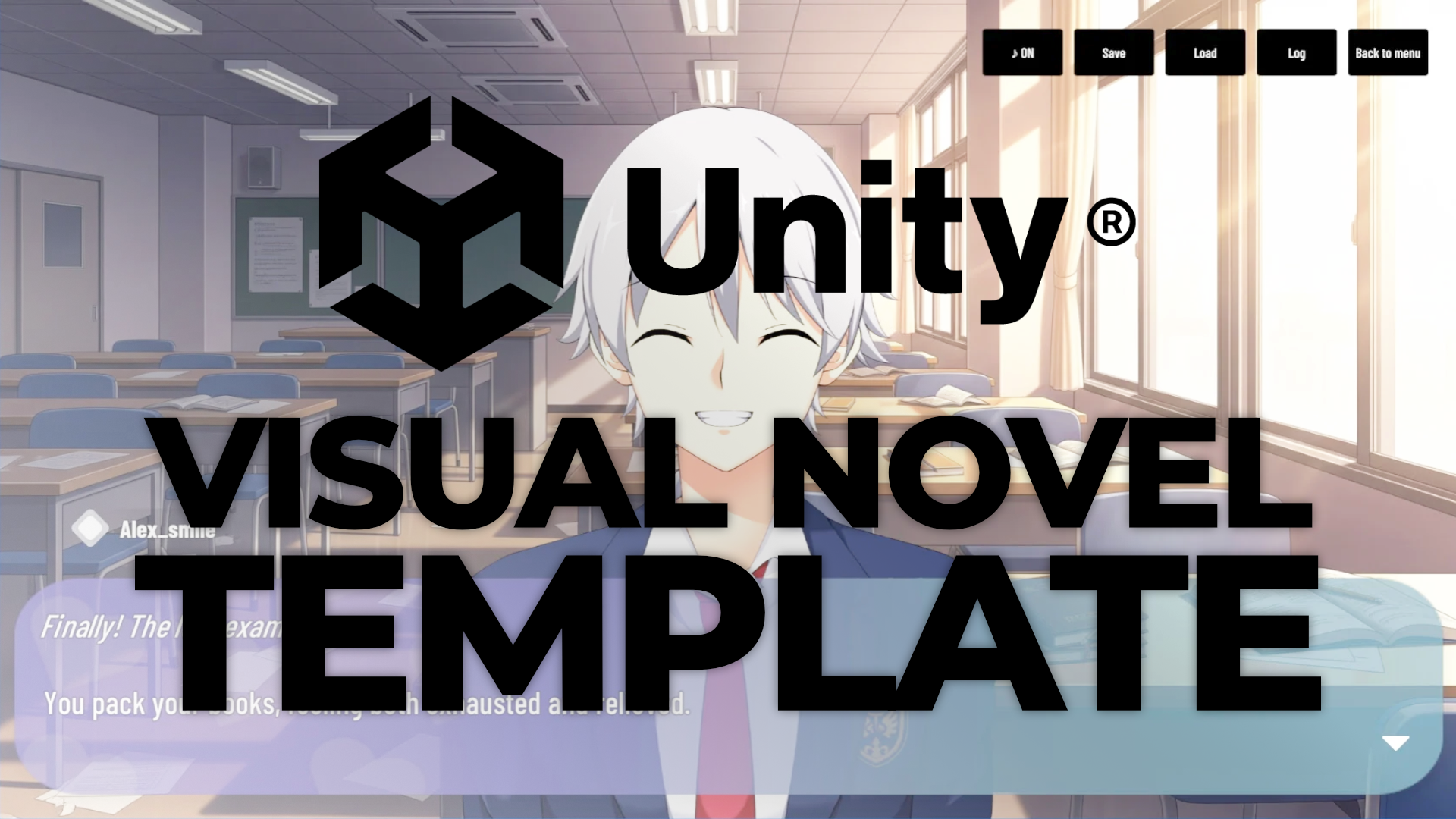
Building a visual novel in Unity from scratch takes longer than most people expect. Not because Unity is the wrong tool, but because a visual novel needs more systems than it looks like from the outside: dialogue display, save states, history log, character expressions, music transitions, a main menu... Plus, all of them have to stay synchronized as the story branches.
Arcweave's new visual novel template for Unity skips all of that. It's a free, complete, working visual novel system, managing backgrounds, characters, dialogue, branching, music, saving, and menus, all included and connected. You write the story in Arcweave and the template handles the rest.
What is inside the VN template
Demo game
The template ships with a playable demo you can explore and modify.
Main menu
The template's main menu has the following options:
- New Game
- Continue
- Load
- Quit
Continue and Load are disabled until a save exists, which is the correct behavior and easy to miss when building this yourself. The save system has three slots with labels and timestamps, accessible from both the main menu and a quick menu during play. Saving mid-story and reloading correctly restores all variable states.
Controls
Dialogue advances with a typewriter effect, skippable with a click or keypress. The history log is scrollable and accessible at any time. Music and sound effects are driven entirely from Arcweave: attach an audio asset to an element, set the playback mode, and the template handles fade-in, looping, and stopping automatically. None of this is configured in Unity. The story designer controls all of it from Arcweave.
How Arcweave maps to a visual novel
Narrative flow
Each screen of the visual novel corresponds to an Arcweave element:
- Background: the element's cover
- Characters: the element's attached components
- Dialogue: the element's text content
When a scene or mood shifts, that is when you move to a new element.
Characters
The template uses Arcweave components to represent the visual novel's characters. Attaching a component to an element puts that character on screen. The order of components determines their position from left to right.
A character's facial expression is determined by the character component's cover image, therefore each expression requires its own component. As character components are set per-element, each story beat can have different character expressions.
Player options
Each element's output connections produce the player options:
- A single connection means the player clicks to continue.
- Multiple labeled connections create choice buttons.
Story state
Arcweave variables track story state. They are assigned through arcscript in the Arcweave project, and they are saved and restored automatically in the Unity project.
The design problem this solves
Visual novel development has a specific coordination challenge. The person writing the story and the person building the game are often working asynchronously with disconnected tools. When the story changes, someone has to manually carry those changes across the gap.
The template collapses that gap. Arcweave is the authoring environment for the story, and the template reads from it directly. A narrative designer can restructure dialogue, add a character expression, change music on a scene, or add a new branch, and the game reflects these changes after a single export and import. The game engine implementation is unaffected.
.jpg?width=1704&height=958&name=unnamed%20(4).jpg)
This also means the template works well when the developer is not deeply involved in the story layer at all. A solo writer comfortable in Arcweave can build, test, and iterate on a full visual novel, using Play Mode to test branching and the Unity template to see it as a proper game.
Getting your story in
To get your Arcweave project into the Unity visual novel template, follow these steps:
- Export your Arcweave project in Unity format to get a
project.json. - Drop it into
Assets/Arcweave/in Unity. - Add your images and audio to
Assets/Resources/, matching filenames exactly as named in Arcweave. - Open
MainMenuScene. - Press Play.
For teams with a Team Workspace, the Web API option removes the manual export step entirely, as Unity pulls the latest published version from Arcweave directly. Check your plan here.
For developers who want to go further
The visual presentation layer is a single script that listens to narrative events. Replacing it to add animated transitions, a different layout, or a custom font system does not require touching story logic.
Arcweave's native localization support means the template can render multiple languages automatically once locales are configured in the project. Features like auto-advance, skip-read text, and volume controls are natural next additions; the underlying systems are already in place.
Start creating now
The visual novel template for Arcweave and Unity is free and open source, and you can use it with Arcweave projects created in any workspace, Basic, Pro, or Team.
Register for an Arcweave account and start creating immediately!
Your resources
- GitHub Repository: Download, run the demo, and replace it with your story
- Arcweave Unity Plugin Documentation: Thorough reference guide for the Arcweave-Unity integration.
Questions or issues specific to the template can be filed in the repository. For broader questions, find us on Discord.